
Vector vs. Image: Why Your Shirt Design Depends on the Right File
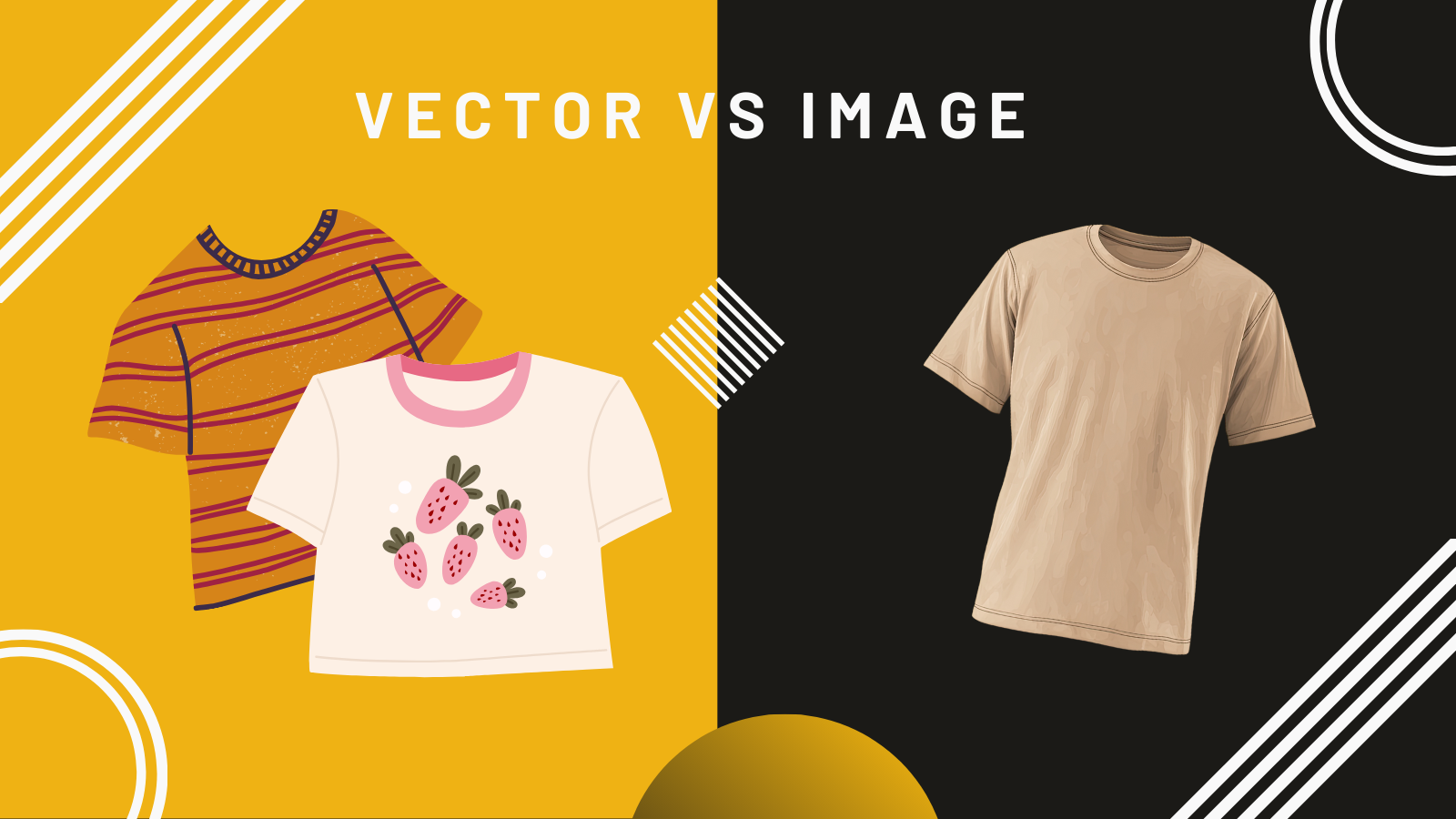
When customers send us artwork for a screen-printing project, the most common question we get is: “Will this file work?” And the answer depends on something most people never think about—the difference between a vector file and a PNG.
At Zoza Ink, we love a great design. But even the strongest idea can fall flat if the file can’t hold up once it hits the press. That’s why understanding your artwork format matters, especially when you want crisp lines, clean colors, and a print that lasts.
What’s the Difference?
A PNG is a pixel-based image. It’s made up of tiny squares of color arranged like a mosaic. PNGs are great for digital uses, like websites or social media, and they support transparency, which is why so many logos are saved this way. They also work well for direct-to-film printing and some screenprint applications (but we won’t get into that here).
But when you stretch a PNG, the pixels stretch too. That’s when edges start to look fuzzy or jagged. For screen printing, where designs are burned onto screens and printed with exacting detail, that blur can show up in your final print.
A vector file, like an AI, EPS, or SVG, works differently. Instead of pixels, vectors are built from paths and mathematical points. That means they scale cleanly to any size without losing quality. Whether we’re printing a pocket logo or a six-color back design across a 4XL hoodie, vectors stay crisp, smooth, and press-ready.
Why Screen Printing Needs Vector Artwork
Screen printing is all about precision. To create your design on a screen, we need clean, solid edges and shapes that can be separated by color. Vectors make that possible.
With vectors, we can:
Separate colors accurately so ink layers the way it should
Increase or decrease the artwork size without distortion
Produce sharper prints with stronger detail
Keep text clean and readable
Match your brand colors precisely
When artwork starts as a PNG, even if it looks high quality on your phone or computer, those pixel edges can muddy your lines on the final print. Think of it as the difference between drawing with a fine-tip pen versus a fuzzy marker.
Don’t Have Vector Artwork? We’ve Got You.
Most customers don’t have vector files on hand, and that’s completely normal. That’s where our art team steps in.
If you have an existing logo or design you love, we may be able to redraw it as a vector file that’s clean, scalable, and perfect for screen printing. Or, if you’re starting from scratch, we can help you bring your idea to life with a custom design built specifically for apparel.
The Bottom Line
You don’t have to be a designer to get great-looking apparel. You just need the right artwork file, and a team that knows how to make it print-ready.
At Zoza Ink, we take care of the technical details so you can focus on the fun part: showing off your brand, team, or event with high-quality custom apparel that feels true to you.
If you’re unsure whether your artwork will work for screen printing, send it our way. We’ll look it over and help guide you to the best print application for your design.